User guide
Account & privacy
View your account, export your data, and delete your account when you need to.
The Account page at /account is your self-service hub: it shows who you're signed in
as, when you joined, your card link, and gives you full control over your data.
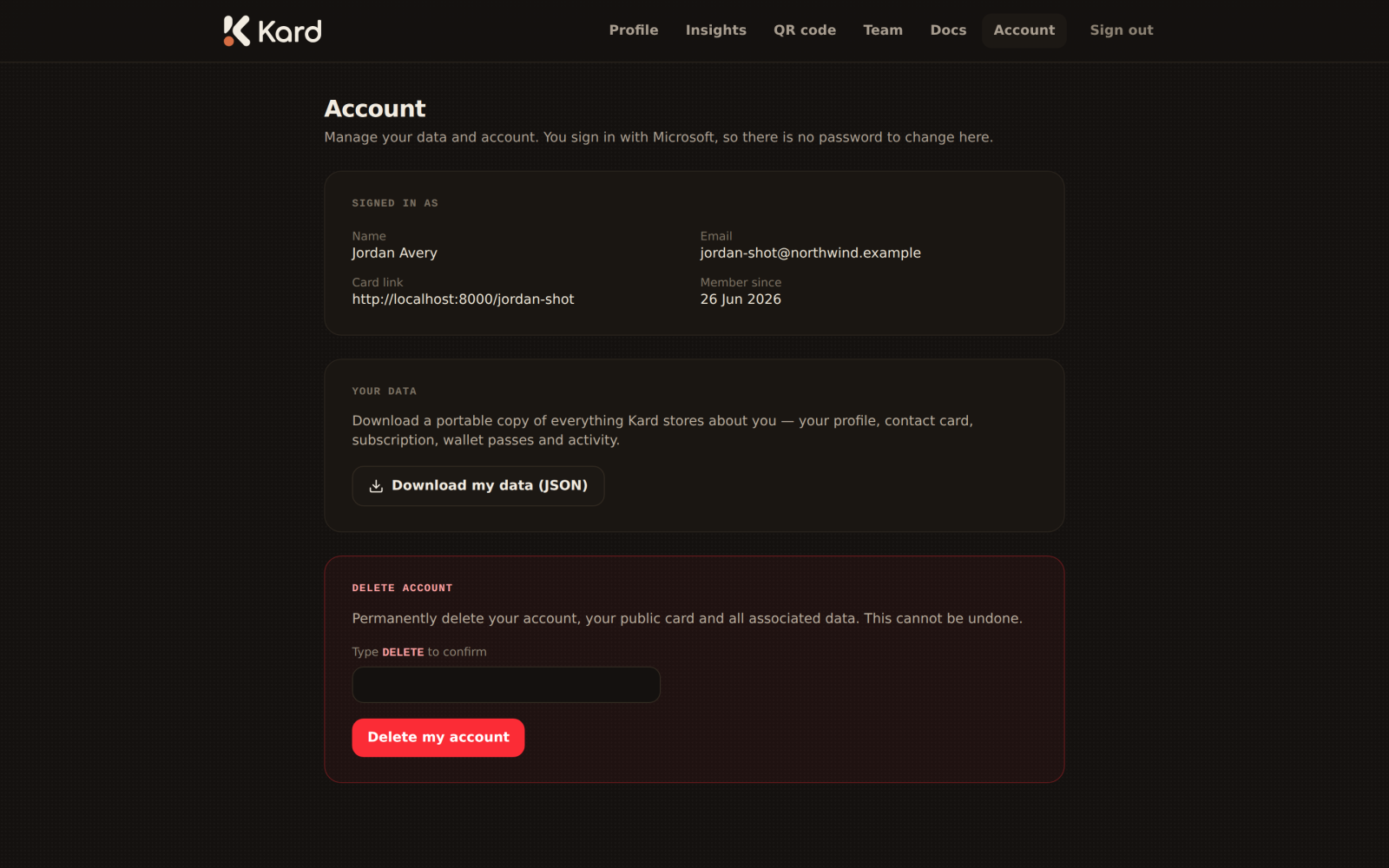
Your account at a glance
- Signed in as — the Microsoft account you authenticated with.
- Email and Member since — your account email and join date.
- Card link — your public
kard.be/youaddress, ready to copy.
Export your data
Kard lets you export your data at any time. Use the export action on the Account page to
download a copy of the information held about you and your card. This is useful for your own
records and for data-portability requests.
Delete your account
If you want to leave, you can delete your account yourself — no support ticket required.
Deletion is permanent. To prevent accidents, the page asks you to type DELETE to
confirm before the action is enabled. Once confirmed, your account and card are removed.
Subscription & trial status
Your plan state isn't shown on this page. Kard surfaces your trial status in the
profile editor — a banner there tells you how many days
are left and warns you once a trial has ended. When a trial lapses, your public card goes
offline to visitors until your subscription is active again; reactivating restores it
instantly with all your content intact.
If you're part of a team, your team's administrator may manage subscriptions on your behalf —
see the Team admin guide.