Benutzerhandbuch
Sharing your card
Hand out your link, let people save your vCard, and understand the public card.
Your card lives at kard.be/you and is built to be shared in a single tap. This article
covers the public card itself and the quickest ways to get it in front of someone.
The public card
Anyone with your link sees your public card — no app, no sign-in. It's mobile-first and
loads fast, showing your photo, name, role, contacts and socials, with prominent buttons to
save your details.
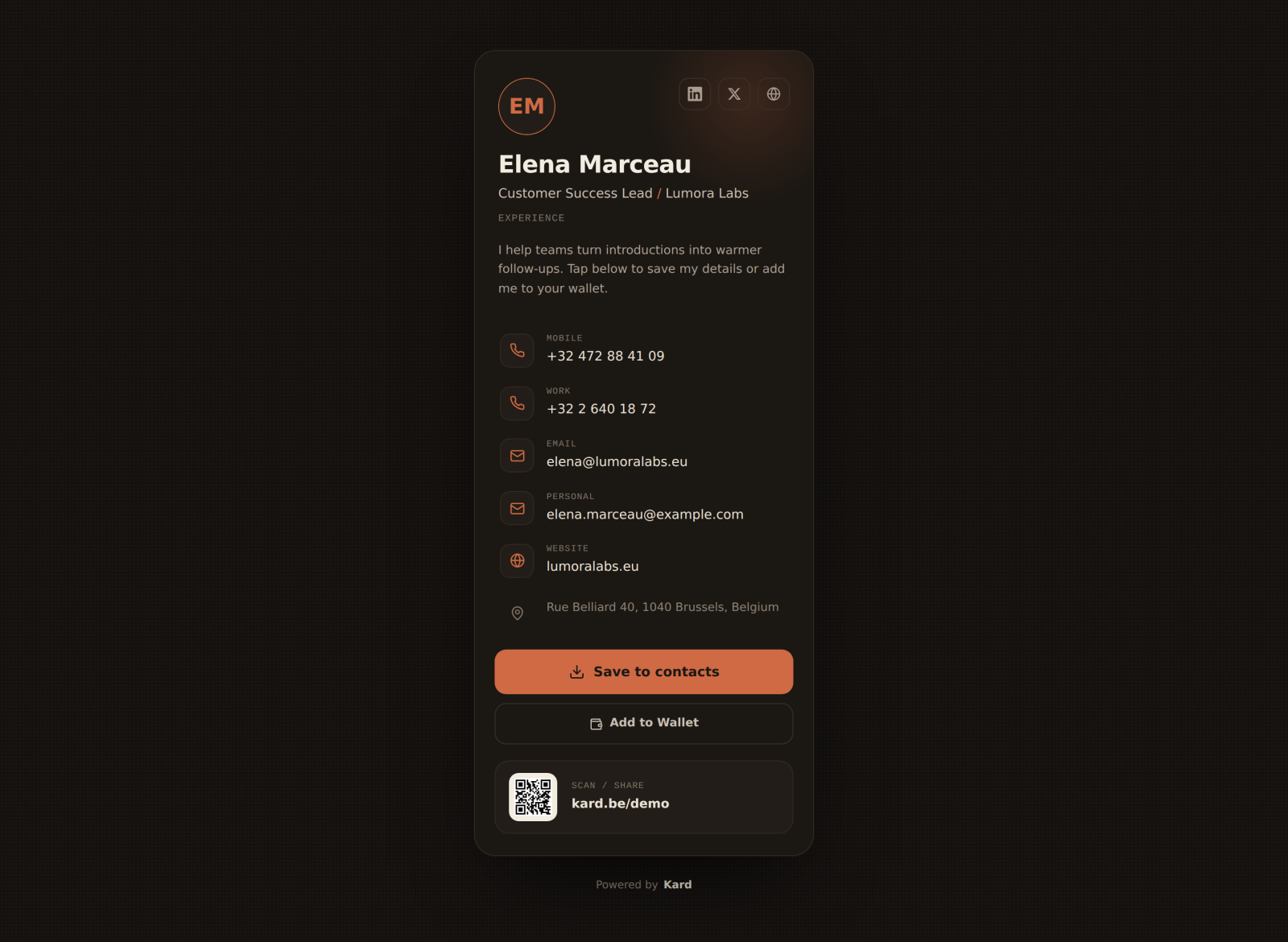
The card uses Kard's signature dark style, with your accent colour applied throughout.
Copy your link
From the profile editor (and your Account page) you'll find
your Card link with a one-tap Copy link button. Paste it into an email signature,
a chat, a slide, or anywhere a link goes.
Save to contacts (vCard)
Every card offers a vCard download — a standards-based .vcf file (vCard 3.0) that
saves straight into Contacts on iOS, Android, or any desktop. When someone taps it, all the
details you filled in land in their address book at once.
Wallet passes
Keep your own card in Apple Wallet or Google Wallet so it's always one swipe away —
add it from your Share your card page. See
Wallet passes & vCard for the details and what to do if a wallet
button isn't available.
Share with a QR code
For badges, slides and shop windows, generate a branded QR code in the
QR code studio.
When your card is offline
If your trial has lapsed and your subscription isn't active, visitors see an "unavailable"
message instead of your card. You still see it yourself, with an upgrade prompt. Reactivate
to bring it back online instantly — your content is untouched.