Benutzerhandbuch
QR code studio
Generate a branded QR code for your card in SVG or PNG, with an optional embedded logo.
Your Share your card page at /profile/qr (under Share in the menu) turns your card
link into a scannable QR code you can print or project anywhere. It's perfect for a
conference badge, a business-card back, a slide, or a shop window — and it's also where you
add your card to a wallet and grab an email signature.
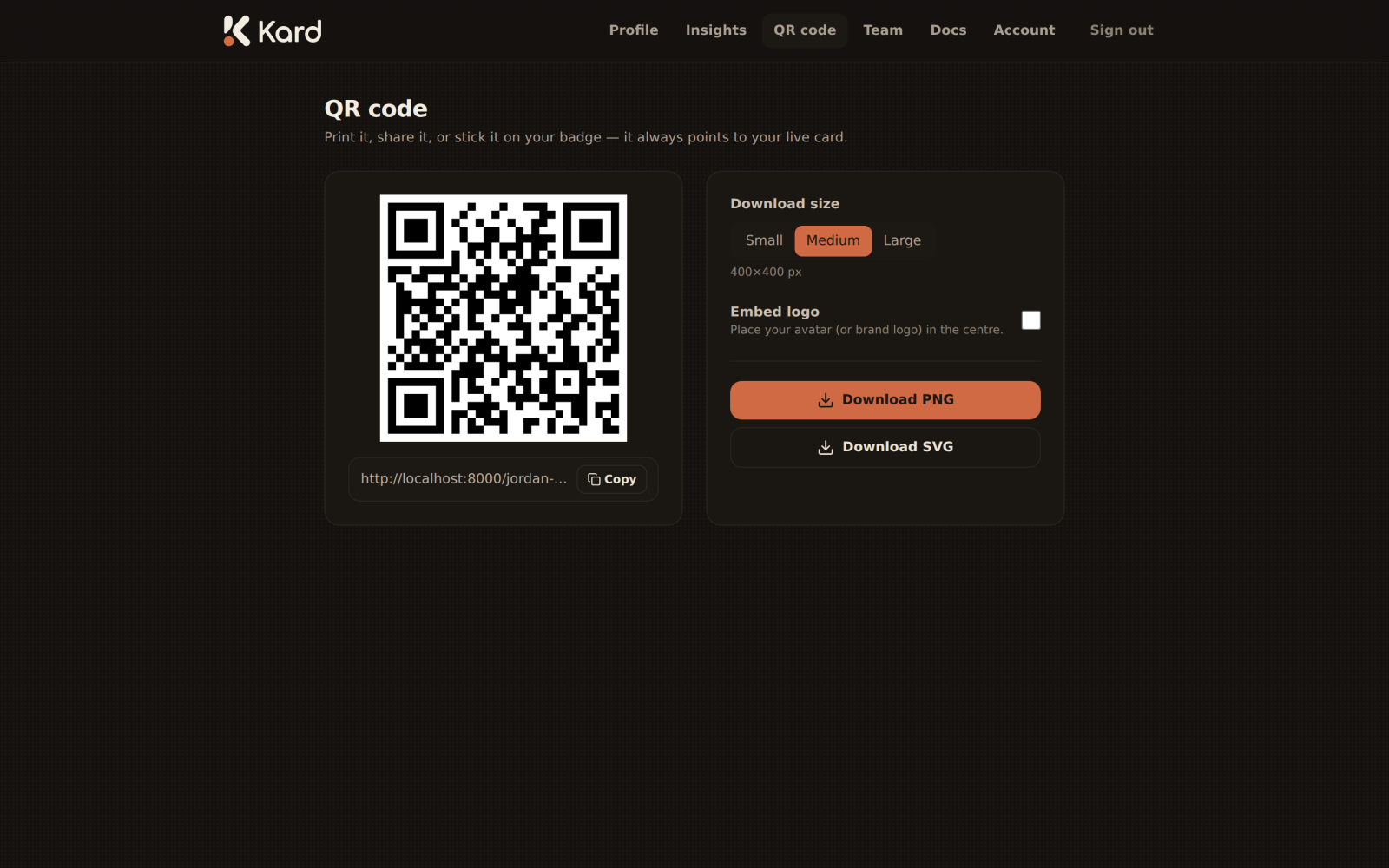
Generate your code
The studio always encodes your current card link, so a scan takes people straight to
kard.be/you. There's nothing to configure to get a working code — it's ready the moment
you open the page.
Embed your logo
Toggle Embed logo to drop your company logo into the centre of the QR code for a
branded finish. The code stays scannable — the logo sits in the error-correction "safe
zone" in the middle.
Choose a size and format
- Download size — pick the pixel size that suits where the code will appear. Larger
sizes are sharper for print and large displays. - Format — download as SVG (infinitely scalable, ideal for print and design tools)
or PNG (a ready-to-use image for slides and the web).
Download
Use the download button to save the QR code with your chosen size and format. Re-download
any time — because the code points at your link rather than a snapshot of your details, you
never need to regenerate it when you edit your card.
Tips
- For print, prefer SVG or a large PNG so the code stays crisp at any size.
- Keep a quiet margin of clear space around the code so scanners lock on quickly.
- Test the printed code with a phone camera before producing it in bulk.