Gebruikersgids
Insights
See how people engage with your card — views, visitors, saves and wallet adds.
The Insights page at /profile/insights shows how people are engaging with your card
over the last 30 days, so you can see your link working and know your updates landed.
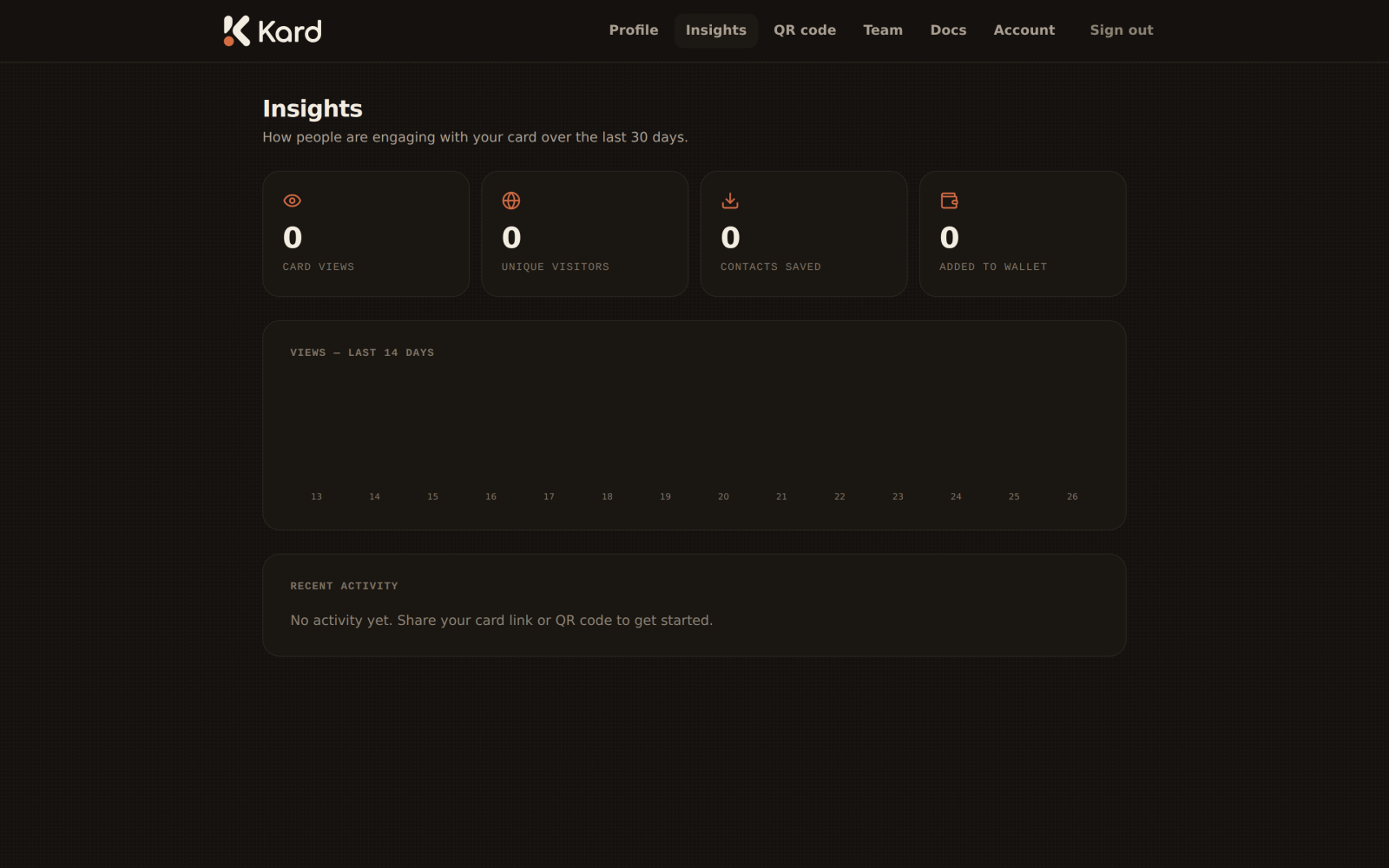
Engagement at a glance
Four headline metrics summarise your card's reach:
- Card views — how many times your public card was opened.
- Unique visitors — how many distinct people viewed it.
- Contacts saved — how many people downloaded your vCard.
- Added to wallet — how many added your card to Apple or Google Wallet.
Views over time
A views chart plots activity across the last 14 days, so you can spot the bumps after
you share your link at an event or send out a new signature.
Recent activity
Below the chart, a recent activity feed lists meaningful events on your card and
account — a running record you can use to confirm a change went live and keep a light audit
trail. When there's nothing yet, Kard nudges you to share your link or QR code to get
started.
Insights are designed to be glanceable and privacy-respecting — a quick read on reach,
not an invasive tracking dashboard.
What's next
- Account & privacy — manage your data and account.