Benutzerhandbuch
Getting started
Sign in with Microsoft 365, claim your kard.be link and understand your trial.
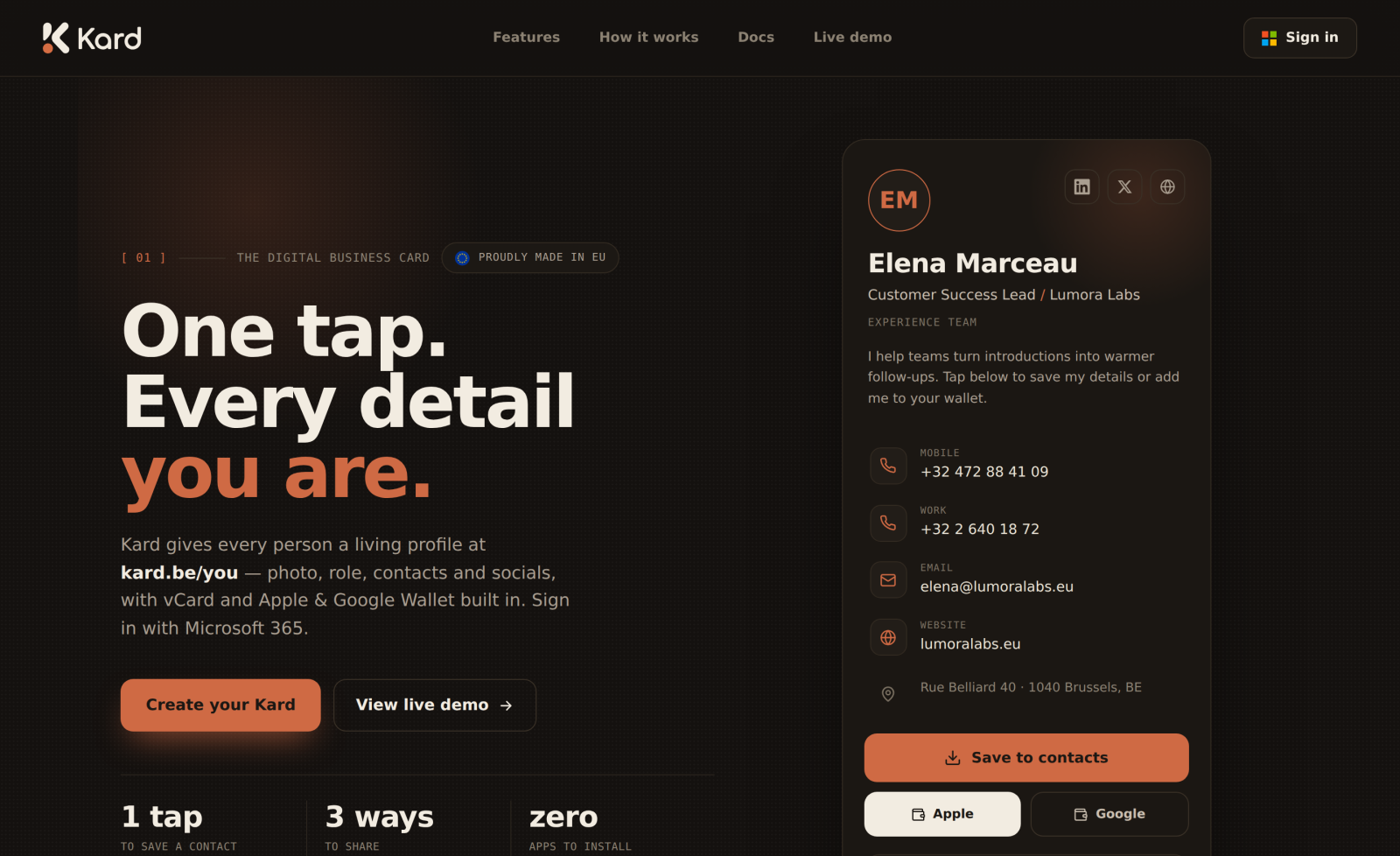
Welcome to Kard — your digital business card. Every person gets a living profile at
kard.be/you: photo, name, role, contact details, social links, a vCard download and
Apple / Google Wallet passes. This guide walks you from your first sign-in to a card you
can hand out with a tap.
Sign in with Microsoft
Kard uses single sign-on with Microsoft 365 (Entra ID) — there is no separate password
to remember. On the landing page, choose Sign in and authenticate with your work
account.
What happens behind the scenes:
- If you belong to the configured admin tenant, your account is provisioned as an
administrator the first time you sign in. - Any other Microsoft account is welcomed with a time-limited trial — full features,
no credit card.
Your card link
As soon as you sign in you are given a public address in the form kard.be/{slug}. The
slug is derived from your account, and you can change it from the
profile editor. This link is the one thing you share — it
never changes unless you change it, and edits go live the instant you save.
Your trial
New members start on a time-limited trial that is not feature-limited: you get every
feature — wallet passes, QR studio and a custom link — for the length of the trial
(14 days by default).
When a trial lapses, your public card goes offline to visitors until your
subscription is set to active. You and your administrators can still see the card, with
an upgrade prompt, so nothing is ever lost — it simply pauses.
You can check how much trial time is left at any time from the
profile editor, which shows a banner with your status.
What's next
- Editing your card — fill in your details and pick a style.
- Sharing your card — link, QR and wallet passes.