Team-Admin-Handbuch
Team overview
What a Kard team is, who can administer it, and how to claim yours.
A team in Kard is a workspace that groups people's cards under shared branding and
simple administration. It's how an organisation keeps every employee's card consistent and
on-brand.
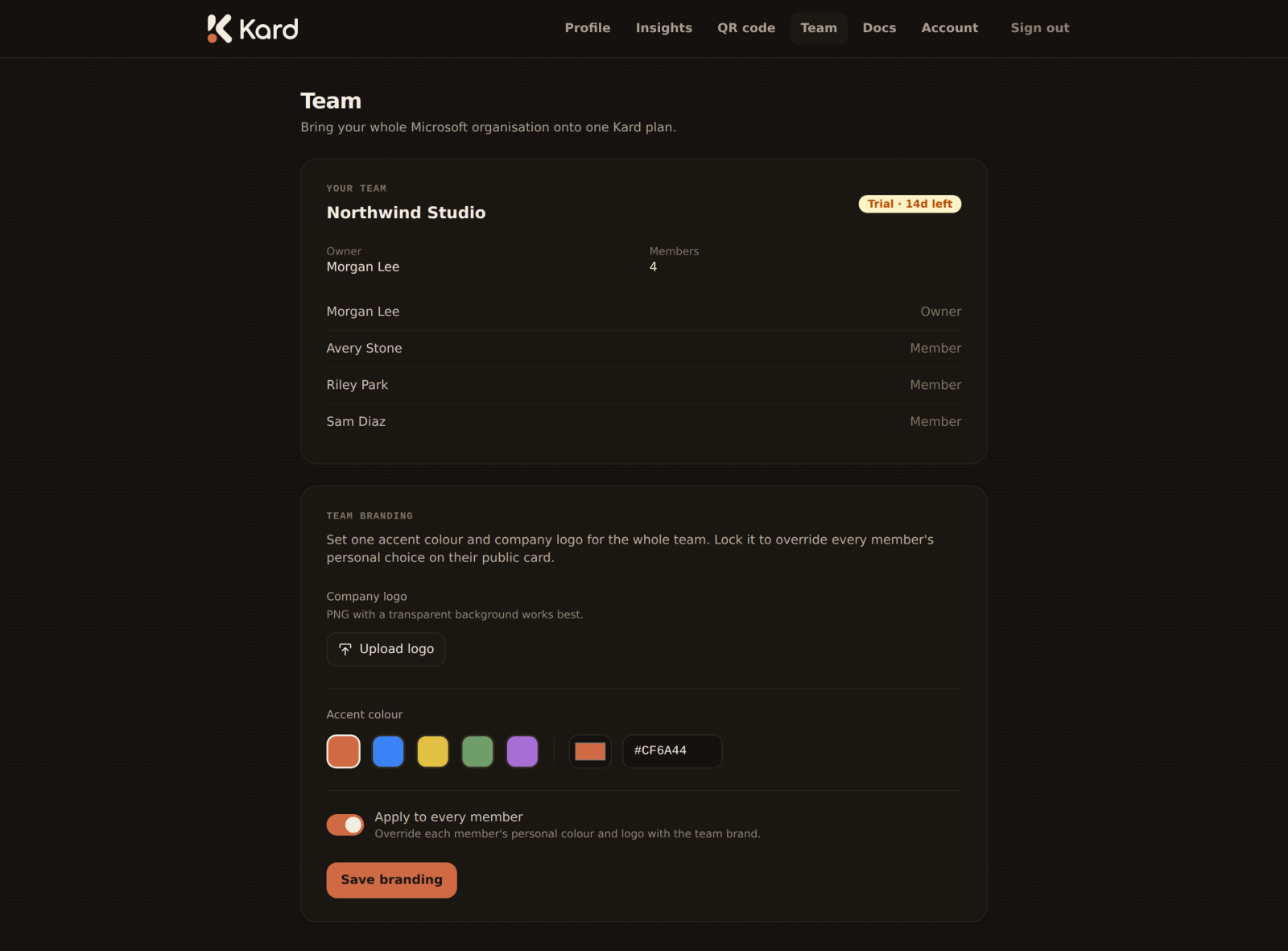
What a team gives you
- Shared branding — one accent colour and company logo that can apply to every member's
card (see Team branding). - A member list — see everyone who belongs to the team.
- Centralised subscription — manage the team's plan and trial in one place (see
Subscriptions & trials).
Who administers a team
A team is administered by its owner and by any tenant administrator on the team. If
you're an administrator of the platform, you can also manage teams from the admin panel.
Claiming your team
If you don't have a team yet, the /team page invites you to claim your team. Claiming
creates the team workspace with you as its owner, after which you can set branding and see
members.
No team yet? That's fine — your personal card works perfectly on its own. A team only adds
shared branding and central management on top.
What's next
- Team branding — set and lock your colour and logo.
- Managing members — see who's on the team.