Partnergids
Partner portal overview
What the partner (reseller) portal is and how resellers manage their client teams.
The partner portal is a scoped admin area for resellers — partners who sell and
manage Kard on behalf of their own clients. It gives you everything you need to provision
and look after client teams, without access to the rest of the platform.
Who is a partner
A partner is a reseller organisation set up by a platform administrator. Once your
account is a reseller, an Admin entry appears in your navigation: resellers and platform
administrators now share one unified portal at /admin, where a reseller sees only their own
partner's teams and members. (Old /partner links still work — they redirect to the new home.)
What the portal covers
From the partner portal you can:
- See an overview of all your client teams and which ones are awaiting setup.
- Create new teams for clients (see Creating teams).
- Invite team owners and members (see
Inviting owners & members). - Start and extend trials for client teams (see
Trials & management).
Scope
The portal is deliberately scoped to your own teams — you administer the teams you
provision and nothing beyond them. Platform-wide settings remain with platform
administrators.
The dashboard
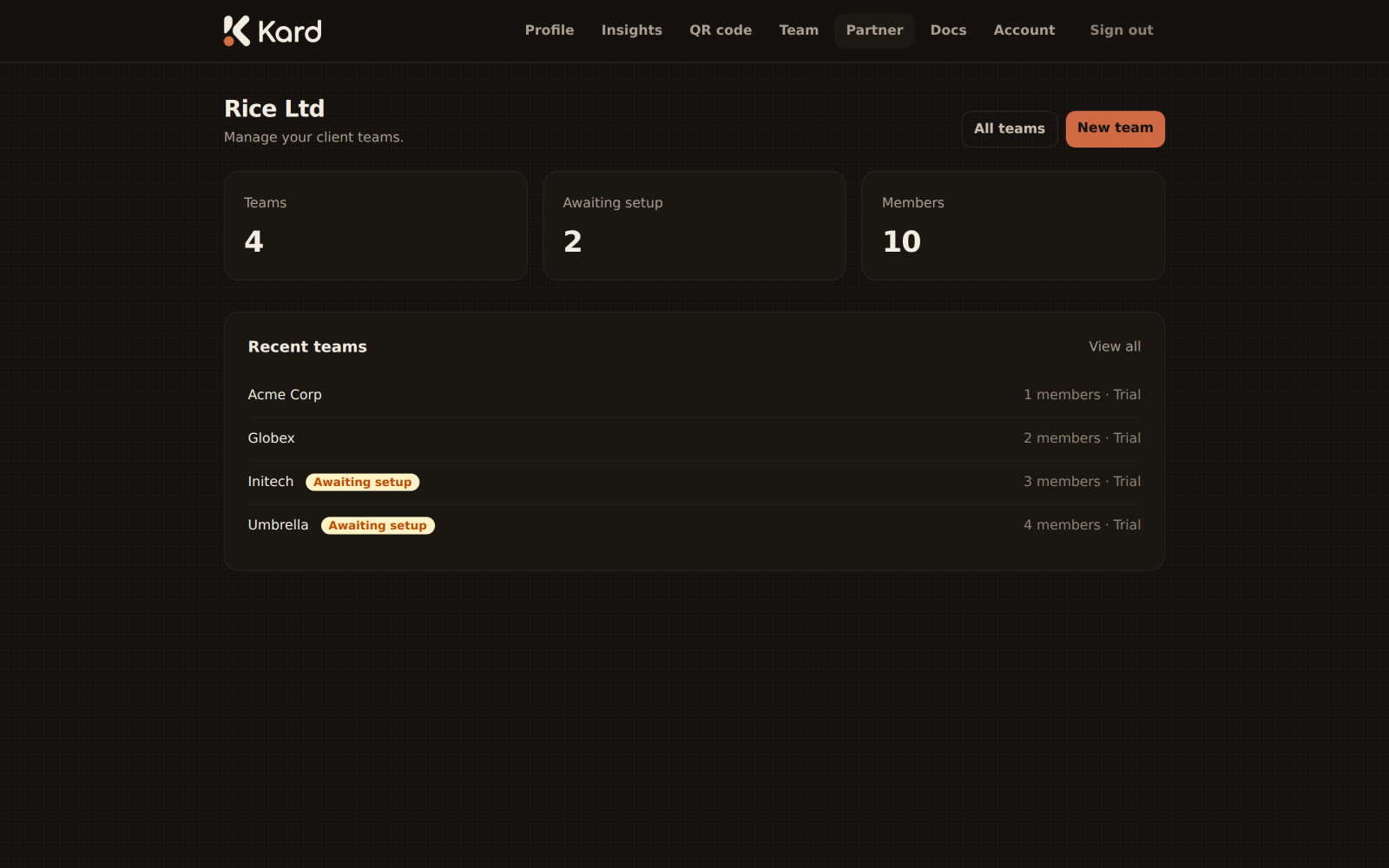
The dashboard summarises your client base: a count of all teams, those awaiting
setup, and a list of recent teams for quick access. From here you jump straight into
creating a team or opening an existing one.